Skip to content

POWER BI TOOLS & TUTORIALS

Less manual work.Better Power BI.

Practical tools, clear walkthroughs, and reusable solutions for people who work with data. Built by an analyst, for analysts.

MBuilt by Maciej. Made for your everyday work.

semantic-model.pbipILLUSTRATION
MAKE THE CONNECTIONSA clearer view of your model.
CustomerKEY CustomerKeyCustomerName
SalesCustomerKeyProductKeyΣ Amount
ProductKEY ProductKeyProductName
DAX / MEASURETotal Sales = SUM(Sales[Amount])
Document Understand Review
IN YOUR TOOLBOXPower BIDAXPower QueryAutomation

THE TOOLBOX

Better models.
Better ways to work.

Document your model, review its metadata,
or give report users a more familiar table.

01 / DOCUMENTATION & AUDIT

ModelLens

Free & paid editions

Take over a Power BI model with a clearer picture of how it works. ModelLens turns local PBIP or BIM metadata into a data dictionary, with deeper audits and export-ready documentation available by edition.

  • Tables, measures, relationships & M code
  • Model health checks in PRO and above
  • PDF documentation templates in MAX and above

For developers and consultants documenting or handing over a model.

Explore ModelLens

Compare editions and see what is included on Gumroad.
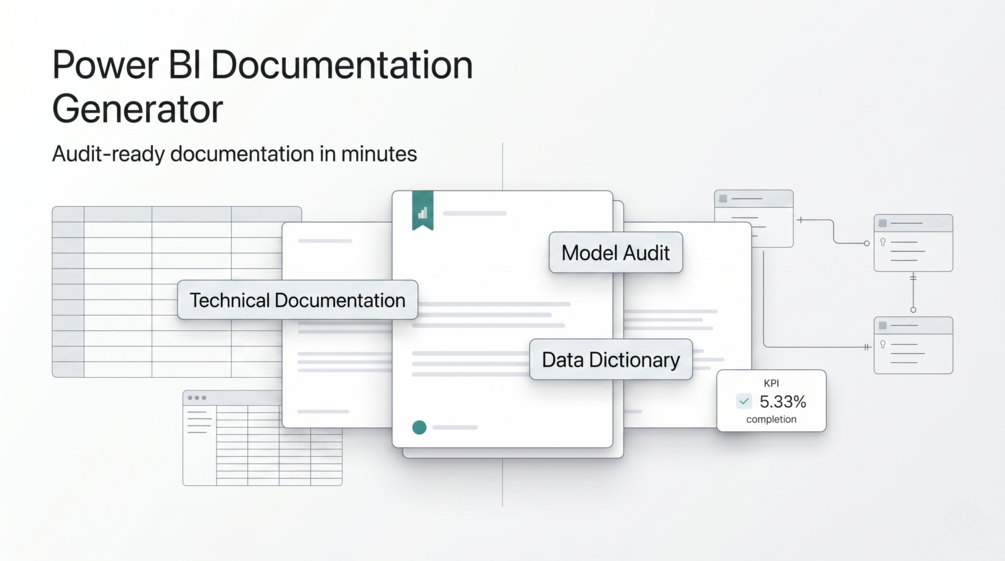
ModelLens
ModelLens product illustration: technical documentation, a data dictionary and model audit.
Product illustration · documentation, data dictionary & audit
02 / SEMANTIC MODEL QUALITY

Semantic AI Auditor

Power BI template

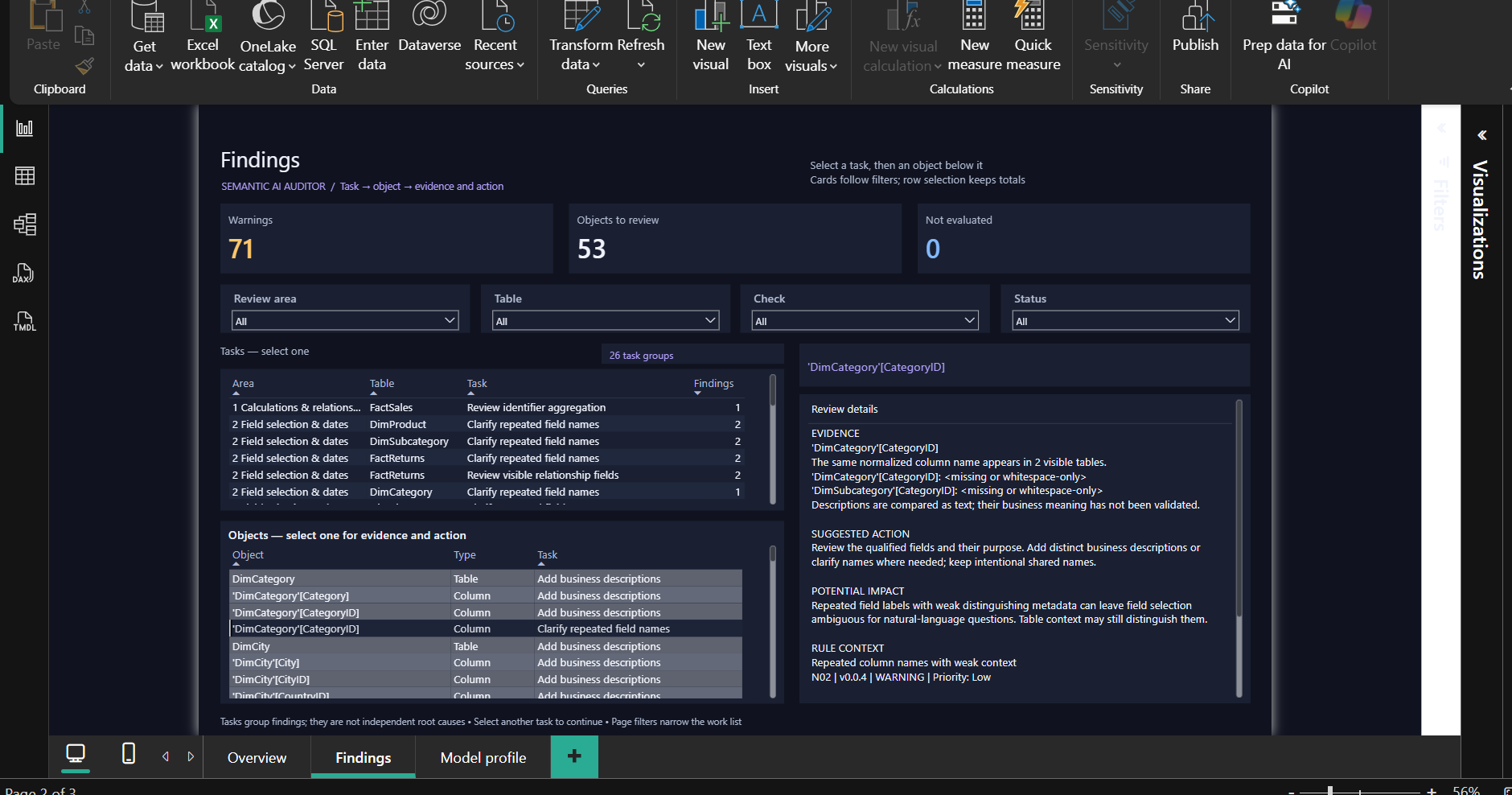
Find metadata conditions worth reviewing before handover or AI use. Load a supported local TMDL or TMSL definition and explore findings with evidence, potential impact and suggested next steps.

  • 11 checks for descriptions, names & model structure
  • Overview, Findings & Model profile pages
  • Local review in Power BI Desktop; no paid AI API

For model owners preparing a handover or planning cleanup.

Explore the auditor

Findings are review prompts, not automatic fixes or an AI-readiness certificate.

Semantic AI Auditor
Semantic AI Auditor report showing a finding and the evidence behind it.
Example audit report · findings & evidence
03 / EXCEL-STYLE TABLE VISUAL

Advanced Grid Table

Free community visual

Bring a familiar, Excel-style workflow into a Power BI report. Select just the cells you need, copy them into Excel and use the status bar for quick checks during report reviews.

  • Range selection & Ctrl+C copying
  • Sum, average & count for selected cells
  • PBIVIZ visual & sample PBIX on GitHub

For report users who need a few values in Excel during a meeting.

Get it free on GitHub

Distributed via GitHub; not AppSource-certified.

Advanced Grid Table
Workflow illustration · example data, not a product screenshot

FROM THE WORKBENCH

Solve the next thing.

All tutorials

Prefer to see it in action?

Power BI walkthroughs, one practical problem at a time.

Watch on YouTube

THE PERSON BEHIND THE TOOLBOX

From an analyst.
For an analyst.

Hi, I'm Maciej.Data analyst & creator of TheBItoolbox

I work with Power BI, DAX, Power Query, and automation. TheBItoolbox is where I share the tools and lessons that make the day-to-day work a little easier.

Real problems. Practical solutions. More time for the analysis that matters.